


Our setup guide to get started
A guide to getting started with your tracking tag and how best to use your pet profile.
Setup Steps...
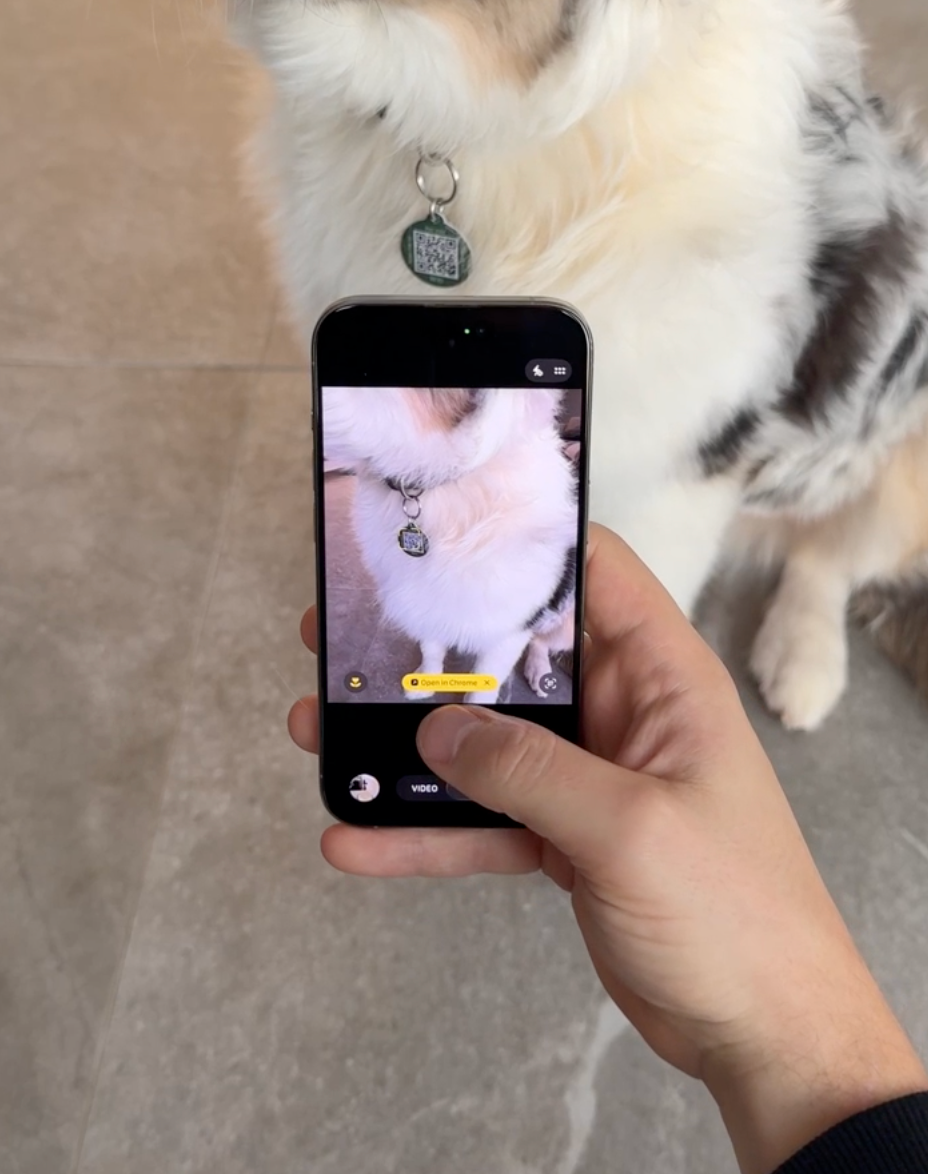
Please note, you do not need to download an app, our software is web based. Get started by scanning the tag with your phone camera.
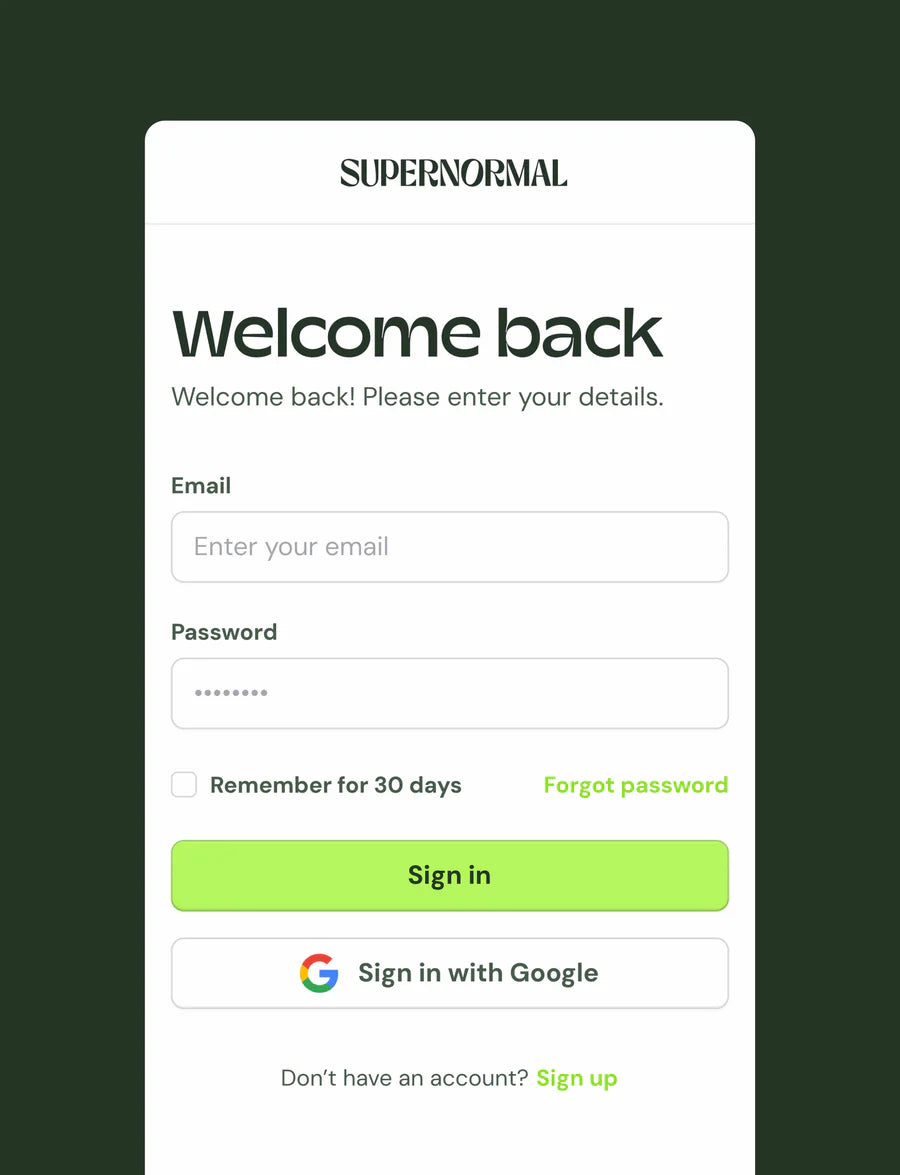
2. Login or Create Account
Create an Account: Follow the prompts to create a new account if you don’t have one yet.
Already with us? Log In: Enter your credentials to access your account.
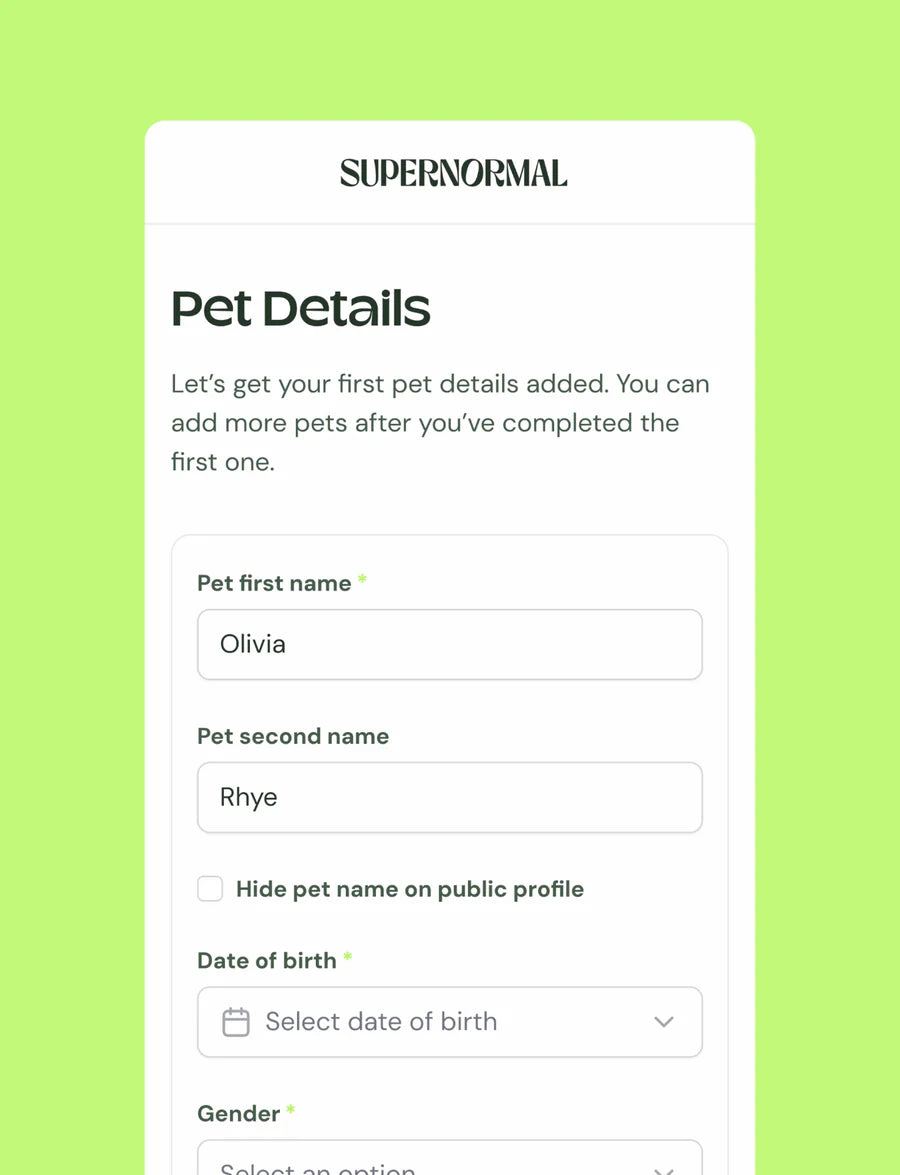
3. Complete Onboarding
Enter Details: You'll find a series of fields to fill out. Provide all the necessary details about your pet and yourself as the owner. Double check all the information entered is correct and up-to-date.
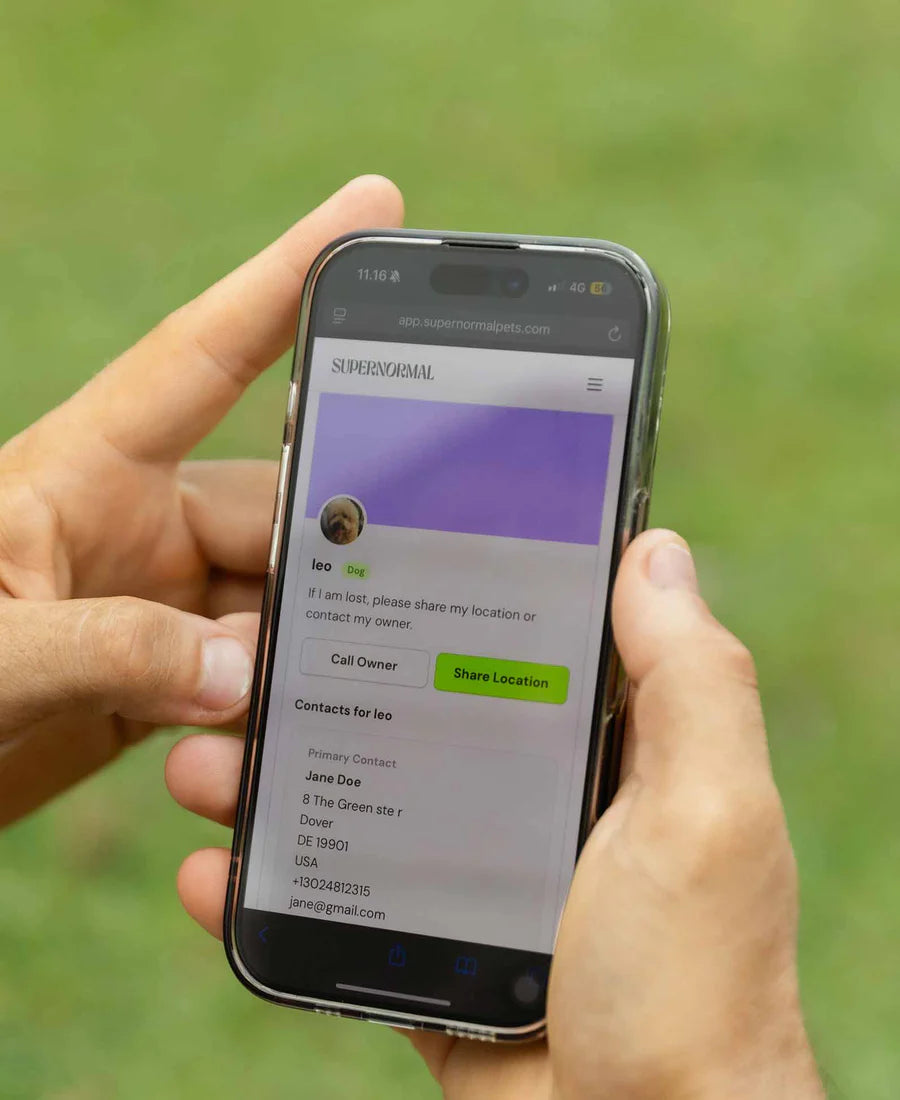
4. Complete
Once onboarding is complete, you're ready to go. You can add more pets in your dashboard, or change any information you may want.
Need more information?
Head to our help centre where we answer the most common questions.